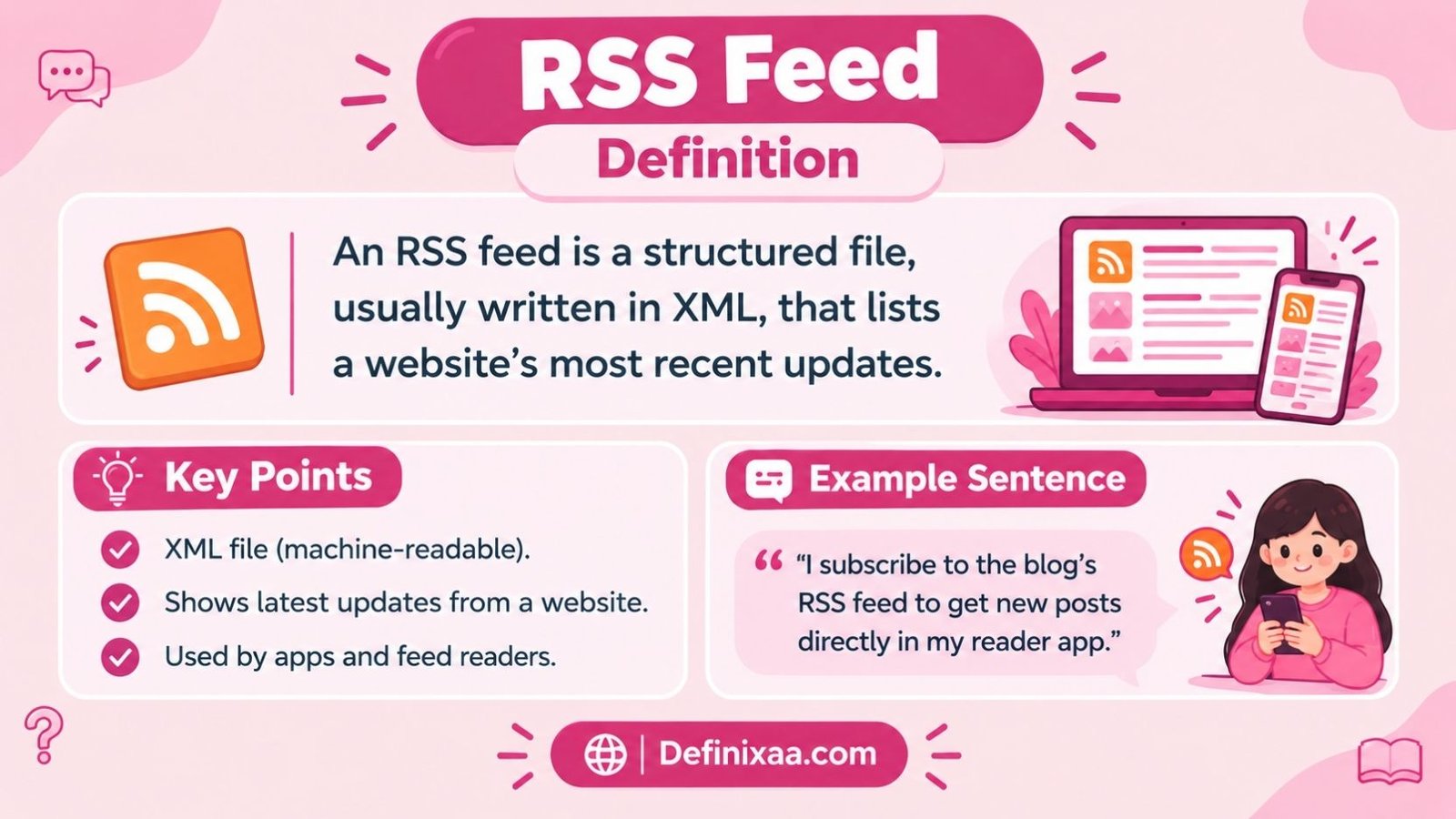
An RSS feed is a structured file, usually written in XML, that lists a website’s most recent updates so that a person or an app can see new content without visiting the site directly. RSS stands for Really Simple Syndication, and the feed itself is often just called “RSS” or a “web feed.”
That is the core idea. Everything else in this article expands on how that file is built, who uses it, and what it looks like in real life.
So, What Is RSS Feed In Simple Terms?
Picture a restaurant that posts its daily specials on a chalkboard outside the door. Instead of walking past every day to check the board, you could ask the restaurant to text you whenever the specials change.
An RSS feed works the same way for websites. The site keeps a running, machine-readable list of its newest posts, episodes, or updates. Anyone who “subscribes” to that list gets notified automatically, instead of having to revisit the site over and over to check for something new.
Note: RSS is not a website. It is a data file that describes a website’s recent activity in a format computers can read easily.
Read More: Reasonable Suspicion Definition
At a Glance
| Quick Detail | Information |
| Meaning | A structured, machine-readable file listing a website’s recent updates |
| Full form | Really Simple Syndication |
| Type | Technical term, web standard |
| File format | Usually XML |
| Tone | Neutral, technical |
| Common context | Blogs, news sites, podcasts, government and academic pages |
| Related terms | Web feed, Atom feed, feed reader, aggregator, syndication |
What Does RSS Stand For?
RSS most commonly stands for Really Simple Syndication. But the abbreviation has an unusually tangled history, and that history is part of why people sometimes see different expansions of the letters.
According to Merriam-Webster, the abbreviation originally stood for RDF Site Summary, and its developers later reinterpreted the letters as Rich Site Summary before the format settled on Really Simple Syndication. Britannica confirms this same progression, listing RDF site summary and rich site summary as earlier names for what is now generally known as really simple syndication.
So depending on which version of the format you are looking at, you may see any of these three expansions:
- RDF Site Summary (the original, RSS 0.9 and RSS 1.0)
- Rich Site Summary (RSS 0.91)
- Really Simple Syndication (RSS 2.0, the version almost everyone uses today)
In practical, everyday use, “Really Simple Syndication” is the correct and expected answer. The other two names are mostly historical footnotes that dictionary sites and trivia questions bring up.
What Is RSS Feed Definition, Formally?
The official technical definition comes from the RSS Advisory Board, the group that maintains the current specification. Its documentation describes RSS as an XML based document format built specifically so that web content can be republished elsewhere or downloaded at intervals and shown to readers.
A slightly earlier version of the same specification adds an important technical point: every RSS file is a dialect of XML and must follow the XML 1.0 rules published by the World Wide Web Consortium.
In plain language, an RSS feed:
- Is a text file, not a webpage you browse visually
- Follows strict, predictable rules (XML) so software can read it reliably
- Lists a site’s newest items, usually with a title, a link, a short summary, and a date
- Updates automatically whenever the site publishes something new
RSS Feed Definition: W3C Angle
People sometimes search specifically for an RSS feed definition tied to the W3C, the World Wide Web Consortium, because RSS is built on web standards that the W3C stewards.
The original RSS format (RSS 1.0) is explicitly tied to W3C technology. Its own specification describes RDF Site Summary as a lightweight, flexible metadata and syndication format, built as an XML application that follows the W3C’s RDF Specification and can be extended through namespaces.
It is worth being precise here: the W3C does not “own” RSS the way it owns some other standards, and RSS itself is maintained separately by the RSS Advisory Board. But RSS is built on XML, which is a W3C standard, and the W3C has historically supported RSS adoption. In fact, the W3C once announced its own QA news updates as an RSS feed, describing the format in similar terms: a lightweight, flexible metadata and syndication format built on XML and extendable through namespaces.
The W3C also runs a Feed Validation Service. That tool exists specifically to check whether a feed, RSS or its cousin Atom, is correctly formatted, which underlines how central W3C-style XML rules are to making RSS work reliably across different apps and readers.
RSS Feed Definition And History
Understanding where RSS came from helps explain some of the confusion around its name and purpose.
- 1999: RSS was created by Netscape for its My Netscape portal, allowing the portal to pull in headlines from other sites.
- After Netscape stepped back: Development continued under other groups, including UserLand Software, which is closely associated with the “Really Simple Syndication” naming and the RSS 2.0 line.
- 2002: The RSS 2.0.1 specification was finalized and its copyright was assigned to Harvard’s Berkman Center for Internet and Society, a move intended to keep the format open and stable.
- Ongoing: A separate but related format called Atom was later developed partly because some engineers felt RSS needed cleaner, more consistent rules. Many sites still offer both RSS and Atom feeds today.
Britannica summarizes the throughline well: RSS started as a Netscape project, was carried forward by UserLand once Netscape moved on, had its specification locked in 2002 with the copyright handed to Harvard’s Berkman Center for Internet and Society, and eventually inspired the competing Atom format when developers wanted further changes the frozen RSS standard could no longer easily accommodate.
What Does An RSS Feed Actually Look Like?
To a browser, an RSS feed looks like a plain text document sprinkled with tags in angle brackets. It is not designed to be pretty. It is designed to be parsed by software.
A basic RSS 2.0 feed generally contains a channel section, which describes the site as a whole, and one or more item sections, which describe individual posts. Under the official specification, the top-level element of any feed must contain a channel, and that channel must in turn include a title, a link, and a description before it can be considered valid.
Example (illustrative, not a real feed):
A simplified feed might contain a channel with a title such as “Daily Tech Briefing,” a link to the homepage, and a short description of the site. Underneath that, each item would have its own title, its own link to the full article, and a short summary or teaser of what that specific post covers.
You are not expected to read this file yourself. A feed reader translates it into a clean, scrollable list of headlines automatically.
How Is RSS Feed Actually Used In Real Life?
This is where the definition becomes genuinely useful. RSS shows up in a few very distinct contexts.
News and blogs. Many news organizations and blogs publish an RSS feed automatically alongside their normal site. Readers who want a distraction-free way to follow multiple outlets can subscribe to those feeds in one reader app instead of checking each site.
Podcasts. This is arguably RSS’s biggest modern use case. A podcast hosting guide explains that a podcast’s RSS feed is essentially an XML file storing the show’s core details, its title, episode descriptions, and audio file links, which podcast directories then read to deliver the latest content to listeners. When a creator uploads a new episode to their hosting platform, the platform updates the RSS feed automatically, and every connected app, including major podcast players, detects the change and shows the new episode to subscribers.
Government and institutional updates. Government agencies and universities frequently publish RSS feeds for press releases, alerts, or policy updates, since it gives outside systems a dependable way to pull in official information without manual copying.
Automation tools. Services that trigger actions when new content appears, such as sending a notification or posting to another platform, often rely on RSS as the underlying data source.
Formal Meaning Vs In Simple Words
Formal meaning: RSS is an XML based web syndication format that structures a website’s recent content into a standardized, machine-readable document, allowing that content to be retrieved, monitored, and redistributed automatically by external applications.
In simple words: RSS is a behind-the-scenes list a website keeps of its newest stuff, written in a format apps can understand, so you can get updates without checking the site yourself.
What Does An RSS Feed Look Like In A Sentence?
- Casual conversation: “I don’t use social media for news anymore; I just have an RSS feed for the five blogs I actually trust.”
- Professional or workplace context: “Can you confirm the RSS feed on the press page is updating correctly? A partner site says it stopped pulling new headlines.”
- Podcasting context: “Once you submit your show’s RSS feed to Apple Podcasts, new episodes will show up automatically every time you publish.”
- Technical or documentation context: “The API exposes the same data as our RSS feed, but in JSON instead of XML.”
Read More: Pursue Definition
RSS Feed Vs Atom Feed: Is RSS The Same As Atom?
People frequently confuse RSS with Atom because both do essentially the same job: syndicating updates in a structured file. They are not identical, and mixing them up can cause confusion when setting up a reader or a podcast host.
| Term | Meaning | Typical Use | Key Difference |
| RSS | An XML based syndication format, most commonly RSS 2.0 | Blogs, news sites, podcasts | Older, simpler, extremely widely adopted |
| Atom | A separate XML based syndication and publishing format | Some blogs, some technical platforms | Designed with stricter, more consistent rules than early RSS versions |
The W3C’s own documentation on Atom describes it as an XML based content and metadata syndication format, paired with a protocol for publishing and editing resources on sites that update regularly.
In practice, most feed readers handle both formats without the user needing to notice a difference. If you only remember one thing: RSS is older and more common, Atom is newer and more strictly specified, and neither is “better” in every situation.
Before You Use RSS Feed: Remember This
RSS feed and RSS reader are not the same thing, and people mix them up constantly.
- An RSS feed is the data file a website publishes.
- An RSS reader (also called an aggregator) is the app or tool you use to subscribe to and read that data.
You cannot “read” an RSS feed comfortably in a normal browser tab. You need a reader app, a browser extension, or a service that is built to interpret the XML and display it as a normal-looking list.
What Is An RSS Feed Reader?
An RSS feed reader is the software that does the actual work of checking feeds, downloading new items, and displaying them in a readable list. Britannica describes the process well: the feed itself sits on a website’s server as a set of instructions, and once a reader requests it, that reader tells the subscriber when new material has appeared, while the aggregator behind the scenes watches many feeds at once and pulls everything together in one organized place.
Common categories of RSS readers include:
- Dedicated reader apps, built specifically for subscribing to and organizing feeds
- Browser based readers, some built into browser extensions
- Podcast apps, which are, under the hood, specialized RSS readers built for audio content
- Automation platforms, which watch a feed and trigger an action when something new appears
How Do You Pronounce RSS?
RSS is almost always pronounced by saying each letter individually: “R, S, S,” rather than as a single word. Merriam-Webster’s kids’ dictionary entry lists the pronunciation this way, spelling it out letter by letter rather than giving it a blended sound.
You will occasionally hear someone try to pronounce it as a single syllable in casual conversation, but spelling out the three letters is the standard, expected pronunciation in professional and everyday contexts alike.
How Does An RSS Feed Actually Work Step by Step?
- A site publishes content. A blog post goes live, a news article is published, or a podcast episode is uploaded.
- The site’s system updates its RSS file automatically. Most modern platforms generate and update this file without any manual work from the publisher.
- A reader checks the feed. Your RSS reader or podcast app periodically requests the feed file from the site’s server.
- New items are detected. If the reader sees entries it has not shown you before, it marks them as new.
- You see the update. The new title, link, and summary appear in your reader, ready to open.
One podcasting guide summarizes this cycle simply: a creator uploads a new episode to a hosting platform, that platform generates or refreshes the RSS feed with the episode’s details, and a reader or aggregator checks the feed on a regular schedule, importing new episodes automatically once they appear.
How to Create an RSS Feed
Most people never have to build a feed by hand, because the platforms they already use generate one automatically.
- Blogs and websites: Most blogging platforms and content management systems create and update an RSS feed automatically the moment you publish a post. You typically do not need to do anything extra.
- Podcasts: Podcast hosting platforms generate an RSS feed for your show as soon as you upload your first episode. That single feed URL is what you submit to directories such as Apple Podcasts or Spotify.
- Custom or manual feeds: For a hand built feed, a developer writes an XML file following the RSS 2.0 structure, with a channel section describing the site and item sections describing each entry, then places that file on a public web server so readers can request it.
- Validating your feed: Before relying on a feed, it helps to run it through a feed validation tool so formatting errors do not stop readers from displaying your content correctly.
Tip: If you already run a podcast or blog on a major platform, search that platform’s help documentation for “RSS feed URL.” You almost certainly already have one; you just need to locate and copy it.
RSS Feed to DBMS: What Does That Actually Mean?
This phrase usually comes up in a technical or data engineering context, not a general definition search. It refers to the process of taking the structured data inside an RSS feed, such as titles, links, dates, and descriptions, and importing it into a database management system (DBMS) for storage, analysis, or further processing.
In practice, this involves a script or tool that:
- Requests the RSS feed’s XML file from a server
- Parses that XML into individual fields, like title, link, and publish date
- Inserts those fields into database tables for querying, searching, or archiving
This is common in research projects, news aggregation platforms, and monitoring tools that need to track many feeds at once and store the results for later use, rather than just displaying them live.
Formal, Informal Or Technical? Is RSS Slang?
RSS is a technical term, not slang. It comes from formal web standards documentation and is used consistently the same way across professional, academic, and casual contexts.
- It is appropriate in professional writing, documentation, and casual conversation alike.
- It is not offensive, outdated in meaning, or regionally restricted.
- It has become somewhat less mainstream in everyday consumer language since the rise of social media feeds, but it remains standard terminology among developers, podcasters, publishers, and technically minded readers.
Is RSS Feed Positive, Negative Or Neutral?
RSS feed is a neutral, purely descriptive technical term. It carries no built-in judgment or emotional tone. If anything, RSS has a mildly positive connotation among people who use it, since it is often associated with calm, algorithm free, chronological reading, as opposed to social media feeds shaped by engagement driven recommendation systems.
What Words Mean Something Similar to RSS Feed?
- Web feed — a broader, format neutral term that can refer to RSS or Atom
- Syndication feed — emphasizes the redistribution aspect of the format
- News feed — a looser, more general term, sometimes used interchangeably in casual speech, though it can also refer to social media feeds, which are not RSS
- Content feed — a generic phrase sometimes used in marketing or CMS contexts
- Atom feed — a related but distinct XML syndication format
Note: “News feed” on a platform like a social network is not an RSS feed. Those feeds are usually driven by proprietary algorithms, not the open RSS standard, even though the everyday word “feed” gets used for both.
When Should You Use RSS?
RSS is worth using when you want:
- A single place to follow updates from many different websites
- Content in the order it was actually published, not reordered by an algorithm
- A lightweight way to monitor a site for changes without visiting it repeatedly
- A dependable way to distribute podcast episodes across multiple listening apps at once
It is less useful if the sites you care about do not publish a feed, or if you strongly prefer algorithm-curated recommendations over a plain chronological list.
Is RSS Still Relevant Today?
Yes, though its visibility has changed. RSS lost a lot of mainstream, casual usage after major browsers removed built in feed buttons and after social platforms became the default way most people discover content. However, it never disappeared from the technical layer of the internet.
Podcasting is the clearest example: nearly every podcast app on the market still relies on RSS behind the scenes to distribute episodes, even though the average listener never sees the word “RSS” in the app itself. One recent overview of the format put it simply: RSS lets a website publish its updates, whether that is articles, blog posts, or podcast episodes, in a machine readable feed, so people can follow many different sources from a single place instead of checking each site on its own.
There is also a smaller but genuine resurgence among readers who feel fatigued by algorithm driven timelines. Because an RSS feed shows items in plain chronological order, with nothing hidden, boosted, or suppressed by a ranking system, some people deliberately return to RSS readers as a way to control what they see and when they see it. This does not make RSS mainstream again in the way it was in the mid 2000s, but it does explain why the format has not faded away despite years of predictions that it would.
Developers and site owners also have a practical reason to keep RSS around: it costs very little to maintain, works with a huge range of existing tools, and does not depend on any single company’s platform staying online or keeping its terms of service the same. That reliability is a large part of why institutions, from universities to government agencies to independent podcasters, keep publishing RSS feeds long after the format stopped trending on the surface of the web.
Read More: Curtesy Definition
Common Confusion: What RSS Feed Does Not Mean
- It is not a social media feed. Your Instagram or X feed is powered by a private company’s algorithm, not the open RSS standard.
- It is not a website itself. It is a data file that describes a website’s updates.
- It is not the same as email. Some services convert RSS into email digests, but RSS itself is not an email protocol.
- It is not exclusive to blogs. It is widely used for podcasts, government alerts, academic updates, and automation tools.
- RSS and Atom are not interchangeable terms, even though they solve a similar problem.
Frequently Asked Questions
What does RSS stand for?
RSS most commonly stands for Really Simple Syndication. Earlier versions of the format used RDF Site Summary and Rich Site Summary before the current name became standard.
What is an RSS feed used for?
It is used to automatically distribute updates from a website, blog, or podcast to subscribers, so they can see new content without manually checking the source.
Is RSS still used in 2026?
Yes. It remains especially important in podcasting, where nearly every hosting platform and listening app relies on RSS to publish and distribute episodes.
Do I need special software to read an RSS feed?
Generally yes. A plain web browser will not display a feed the way it displays a normal webpage. You need a dedicated RSS reader, an aggregator, or an app such as a podcast player that reads feeds automatically.
Is RSS the same as a podcast?
No. RSS is the underlying technology that delivers a podcast’s episodes to listening apps. The podcast is the content; RSS is the delivery mechanism.
What file format does an RSS feed use?
RSS feeds are written in XML, following rules set out in the RSS specification maintained by the RSS Advisory Board.
How do I find a website’s RSS feed?
Many sites publish their feed at a predictable address, often ending in “/feed” or “/rss.” Some sites also link to their feed directly from the page footer or header.
Is RSS the same as Atom?
No. Atom is a separate, related XML syndication format built with stricter formatting rules. Both accomplish a similar goal, and most reader apps support both.
Can I create my own RSS feed?
Yes. Most blogging and podcast hosting platforms generate one for you automatically. Developers who need a custom feed can also build one manually following the RSS 2.0 specification.
Why did RSS become less visible in mainstream browsers?
Major browsers removed built in feed discovery buttons over time as social platforms became the more common way for casual users to find new content, even though RSS itself continued to be widely used at the technical level.
Is RSS free to use?
Yes. RSS is an open, non proprietary format. Publishing a feed, reading a feed, or building software that uses RSS does not require paying a licensing fee to any company.
What is inside a typical RSS feed item?
Most individual items include a title, a link back to the full content, a short description or summary, and a publication date. Podcast feed items also typically include a direct link to the audio file itself.
The Simple Takeaway
An RSS feed is a structured, XML based file that lists a website’s newest updates so that a reader app can display them automatically. RSS stands for Really Simple Syndication, and while it has become less visible to casual internet users, it still quietly powers podcasts, news aggregation, and countless automated tools.
If you want a calm, chronological, algorithm free way to follow multiple sites, an RSS reader paired with the sites’ feeds is still one of the most reliable tools available.

Laiba Rahman is a writer and researcher behind Definixaa, dedicated to exploring words, meanings, terms, concepts, and everyday knowledge. Through clear and well-researched explanations, her goal is to help readers understand unfamiliar ideas quickly and discover useful information with ease.
2 Comments